Can You Walk Around in Virtual Reality? A Guide to VR Locomotion
 May, 10 2026
VR Locomotion Simulator
Configure Your Setup
Results
Configure your setup and click simulate to see results.
The Illusion of Movement
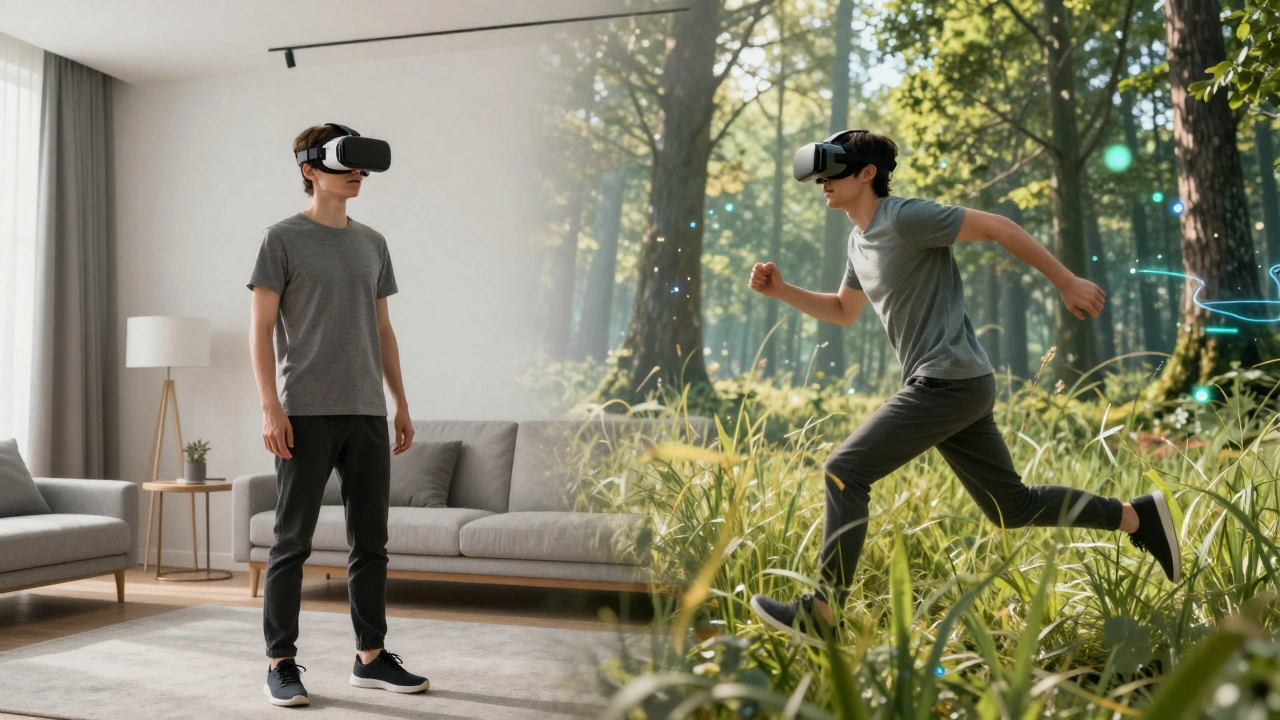
Have you ever felt that strange disconnect when your eyes say you’re sprinting through a forest, but your legs are standing still on a carpet? This is the core paradox of Virtual Reality, which creates immersive digital environments that trick your brain into believing it exists elsewhere. The question isn’t just whether you *can* walk around in VR-it’s how well the technology can replicate the physical sensation of moving through space without throwing you off balance or making you sick.
In traditional gaming, you use a controller stick to move. In VR, this method often feels unnatural because your body doesn’t match the visual input. To truly "walk" in virtual reality, we need to bridge the gap between physical movement and digital translation. Let’s look at the different ways you can actually put your feet down in these worlds.
Room-Scale VR: Walking for Real
The most intuitive way to move in VR is simply to walk. This is called room-scale tracking, a system that maps your physical surroundings to allow free movement within a defined area. If you have enough space-typically a 10x10 foot zone-you can take actual steps forward, backward, and sideways.
Systems like Meta Quest 3 or Apple Vision Pro use inside-out cameras to track your position relative to the room. When you step left in real life, your avatar steps left in the game. It feels natural because your vestibular system (the part of your inner ear that handles balance) agrees with what your eyes see. However, there are limits. You can’t run across a virtual continent unless you have a house the size of a stadium. Most people hit a wall after ten seconds of walking.
- Pros: Zero motion sickness, highly natural feel, no extra hardware needed beyond the headset.
- Cons: Requires significant floor space, limited range of motion, risk of bumping into real-world objects if not careful.
Omnidirectional Treadmills: Running in Place
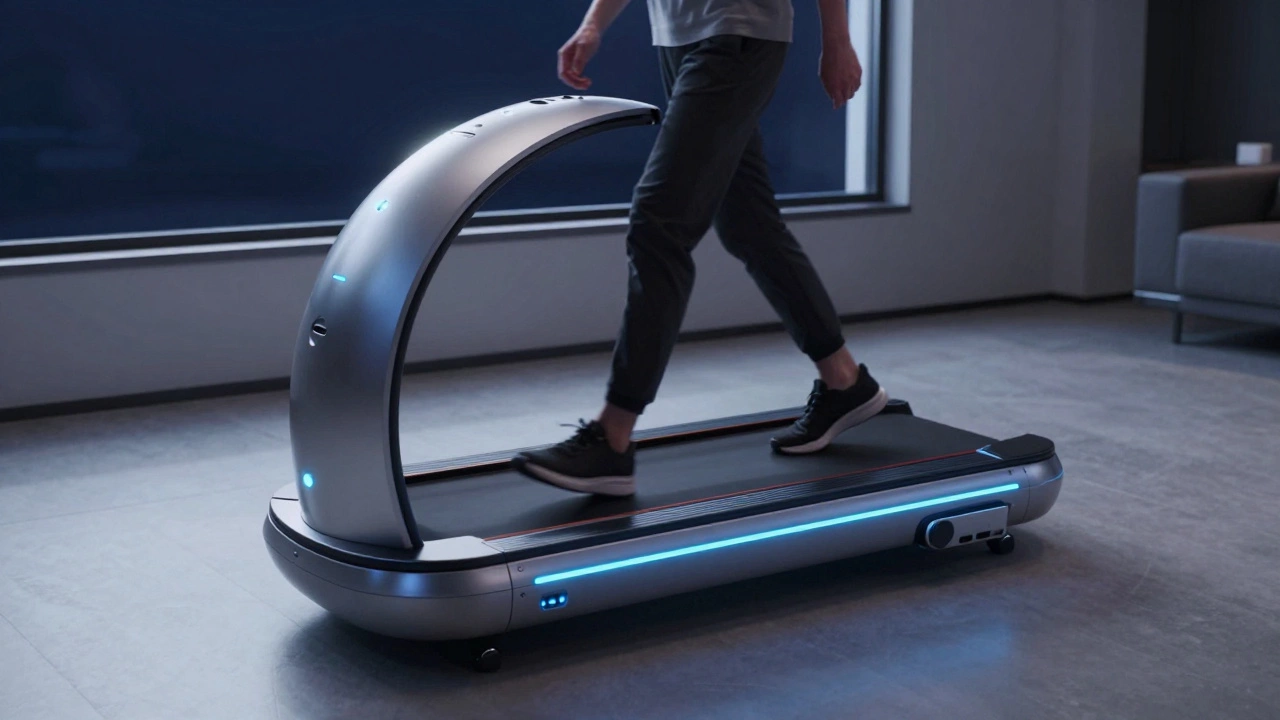
If you want to walk endlessly without leaving your living room, you might look at an omnidirectional treadmill. These devices, such as the KAT Walk C3 or Virtuix Omni, allow you to walk in any direction while staying in one spot. They usually feature a ball-tilt mechanism or a spherical base that lets you glide forward, backward, and laterally.
This technology solves the space problem. You can explore massive open-world games like Skyrim or Half-Life: Alyx by actually walking. But here’s the catch: it’s expensive. High-end treadmills cost thousands of dollars, and they take up a lot of room. Plus, learning to walk on them takes time. You aren’t lifting your legs normally; you’re gliding. It feels less like walking and more like sliding on ice until you get used to it.
| Method | Cost | Space Required | Natural Feel | Motion Sickness Risk |
|---|---|---|---|---|
| Room-Scale Walking | Low (Headset only) | Medium (10x10 ft) | High | Very Low |
| Omnidirectional Treadmill | High ($2,000+) | Large (Machine size) | Medium | Low |
| Artificial Locomotion (Joystick) | None | Minimal (Standing) | Low | High |
| Haptic Suit + Controller | Very High ($5,000+) | Medium | Medium-High | Low |
Artificial Locomotion: The Joystick Compromise
Most VR users don’t have treadmills or huge empty rooms. So, how do they "walk"? They use artificial locomotion, where you tilt a joystick to slide your character forward. This is the standard for headsets like the PlayStation VR2 or standalone Android-based headsets.
While convenient, this method causes cybersickness, a form of motion sickness caused by sensory conflict. Your eyes see movement, but your body feels stationary. For many, this nausea sets in within minutes. Developers try to fix this with "teleportation" mechanics, where you point to a location and instantly appear there, skipping the travel entirely. It’s practical, but it breaks immersion. You aren’t walking; you’re warping.
Haptic Feedback Suits: Feeling the Steps
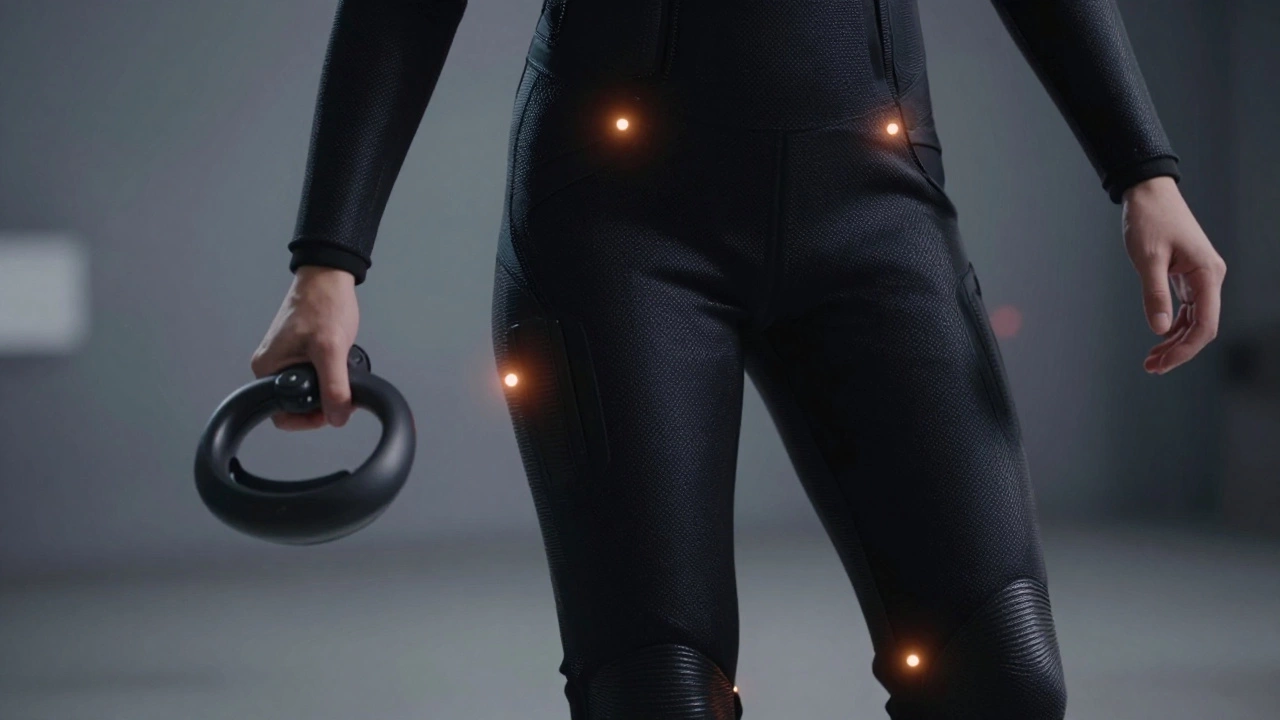
To make artificial locomotion feel real, some enthusiasts use haptic feedback suits like the bHaptics TactSuit or Teslasuit. These wearable devices vibrate against your skin to simulate touch, pressure, and even the sensation of stepping down. When you tilt the joystick to walk, the suit vibrates your legs in rhythm with your virtual footsteps.
This doesn’t move your body, but it tricks your brain into feeling the physical act of walking. It adds a layer of realism that controllers alone can’t provide. Imagine feeling the crunch of gravel under your boots or the impact of landing from a jump. While not true walking, it significantly enhances the illusion of physical presence.
Gait Redirection: Trick Your Brain
A more advanced technique used in research labs and high-end arcades is gait redirection. This method subtly alters the virtual environment based on your actual walking path. If you naturally drift to the right while walking, the software rotates the virtual world slightly to the left, keeping you centered in your physical play area.
You can walk for hours in a small circle without realizing it because the virtual world adjusts to your gait. This allows for long-distance walking experiences in limited spaces. It’s currently mostly experimental but represents the future of affordable, large-scale VR walking.
Choosing Your Method
So, can you walk around in virtual reality? Yes, but the quality of that walk depends on your budget and space. If you have a clear 10x10 foot area, room-scale tracking is the best starting point. It’s cheap, effective, and easy on the stomach. If you crave endless exploration and have the money, an omnidirectional treadmill offers true freedom. For everyone else, mastering artificial locomotion with teleportation features remains the practical standard.
Is walking in VR better than using a joystick?
Yes, walking in VR is generally better for immersion and reducing motion sickness. Because your physical movements match the visual cues, your brain accepts the experience as real. Joystick movement often causes cybersickness due to the disconnect between sight and balance.
Do I need a treadmill to walk in VR?
No, you do not need a treadmill. Most users rely on room-scale tracking, which requires a cleared floor area of about 10x10 feet. Treadmills are optional accessories for those who want to walk longer distances without hitting walls.
What is cybersickness in VR?
Cybersickness is a form of motion sickness caused by conflicting signals between your eyes and inner ear. It happens when you see yourself moving in VR but your body feels stationary. Walking physically reduces this risk significantly compared to artificial locomotion.
How much space do I need for room-scale VR?
Ideally, you need a clear area of at least 10x10 feet (3x3 meters). This allows for comfortable walking and turning without bumping into furniture. You should also remove tripping hazards like rugs or cables from this zone.
Can haptic suits replace physical walking?
Haptic suits cannot replace the physical act of walking, but they enhance the sensation. By vibrating in sync with virtual footsteps, they provide tactile feedback that makes artificial locomotion feel more realistic, though they do not eliminate all motion sickness.