How to Stop Being Dizzy After VR - Simple Fixes That Actually Work
 Dec, 29 2025
VR Dizziness Risk Calculator
How to Use This Tool
Select your headset, session length, and motion settings to get personalized recommendations for preventing VR dizziness.
Personalized Recommendation
You put on the VR headset, jump into a wild alien world, or race through a futuristic city-and then, five minutes later, you’re clutching the edge of the couch, feeling like the room is spinning. You take off the headset, and the world still doesn’t feel right. This isn’t rare. It’s called VR motion sickness, and it happens to more people than you think-even experienced users.
Why VR Makes You Feel Dizzy
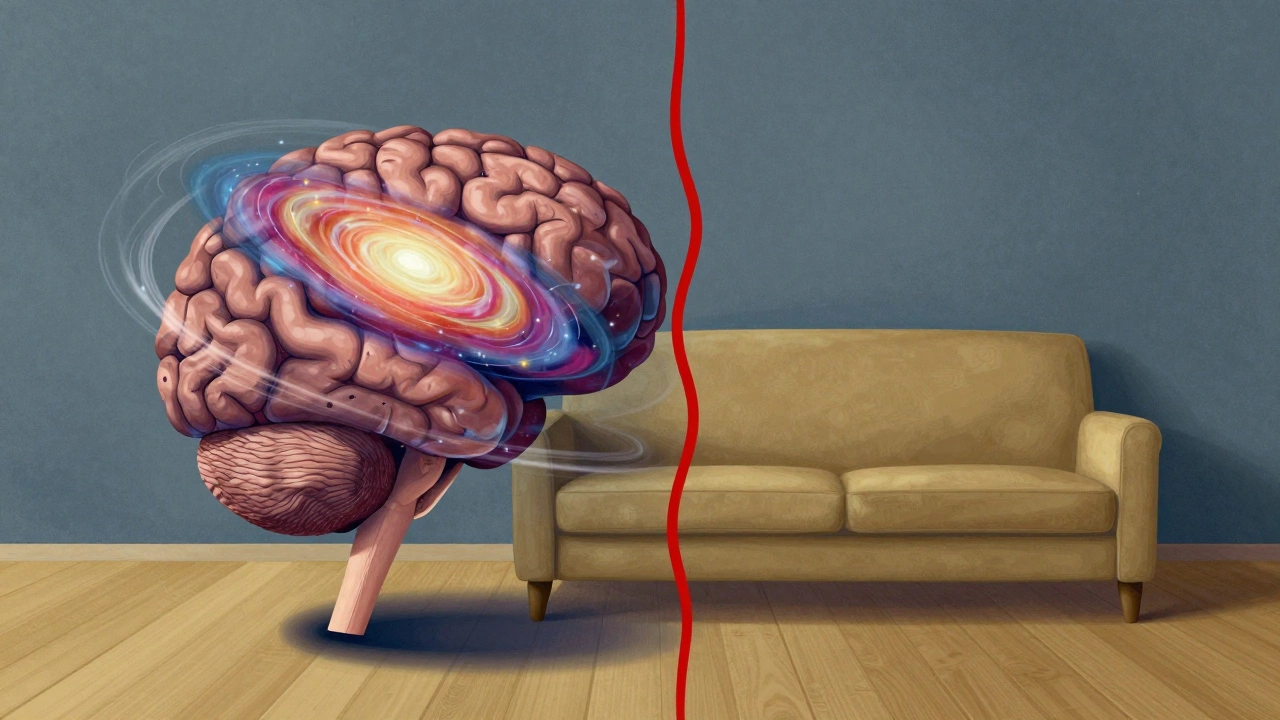
Your brain gets mixed signals when you’re in VR. Your eyes see motion-like flying through space or turning sharply in a game-but your inner ear and body feel completely still. That mismatch confuses your nervous system. It’s the same reason some people get sick on boats or in cars: your senses aren’t agreeing. In VR, this mismatch is stronger because the visual field is fully immersive and often moves faster than real life.Some headsets have higher latency or lower refresh rates, which makes the lag between your head movement and what you see even worse. Even a 20-millisecond delay can trigger nausea. Older or budget headsets are more likely to cause this. But even the latest models can trigger dizziness if the content isn’t designed well.
Stop Dizziness Before It Starts
The best fix isn’t waiting until you feel sick-it’s preventing it. Here’s how:- Start with short sessions. Don’t jump into a 90-minute space simulator. Begin with 10-15 minutes. Gradually increase time as your brain adapts. Most people notice improvement after 3-5 sessions.
- Choose seated experiences first. Games like "Beat Saber" or "Lone Echo" are fine if you’re standing. But if you’re just starting, try sitting in a virtual chair. Your body gets fewer conflicting signals when you’re not moving physically.
- Turn down motion intensity. Many VR games let you adjust how much your view moves. Lower the speed of camera drift, disable "natural locomotion," and use teleportation instead of walking. Games like "Half-Life: Alyx" have these settings built in.
- Keep your room well-lit. A dark room makes your eyes work harder to focus on the headset display. Ambient light helps your brain anchor to real-world space. Turn on a soft lamp near you.
- Don’t play right after eating. A full stomach makes nausea worse. Wait at least an hour after a meal before jumping into VR.
What to Do When You Start Feeling Dizzy
If you feel the spin creeping in-your head feels heavy, your stomach tightens, or the edges of your vision blur-don’t wait. Act now.- Take off the headset immediately. Don’t try to "push through." The longer you stay in, the worse it gets.
- Look at something still and real. Stare at a wall, a door handle, or your coffee mug. Your brain needs a fixed point to reorient itself. Avoid looking at moving objects-even a ceiling fan can make it worse.
- Drink cold water. Sipping slowly helps reset your inner ear and calms your nervous system. Avoid sugary drinks-they can spike your blood sugar and make dizziness feel worse.
- Walk slowly for 30 seconds. Don’t run. Just move gently. This helps your body and brain sync up again. Many users report feeling normal within 1-2 minutes if they do this.
Hardware Fixes That Make a Difference
Your headset matters. If you’re using an older model, upgrading can cut dizziness by half.- Refresh rate is key. Look for headsets with 90Hz or higher. The Oculus Quest 3, PlayStation VR2, and Apple Vision Pro all run at 90-120Hz. Anything below 75Hz increases risk significantly.
- Make sure your lenses are clean and properly adjusted. Blurry or foggy visuals force your eyes to strain. Wipe the lenses with a microfiber cloth before each use. Adjust the IPD (interpupillary distance) dial to match the distance between your pupils. Most headsets have a slider for this.
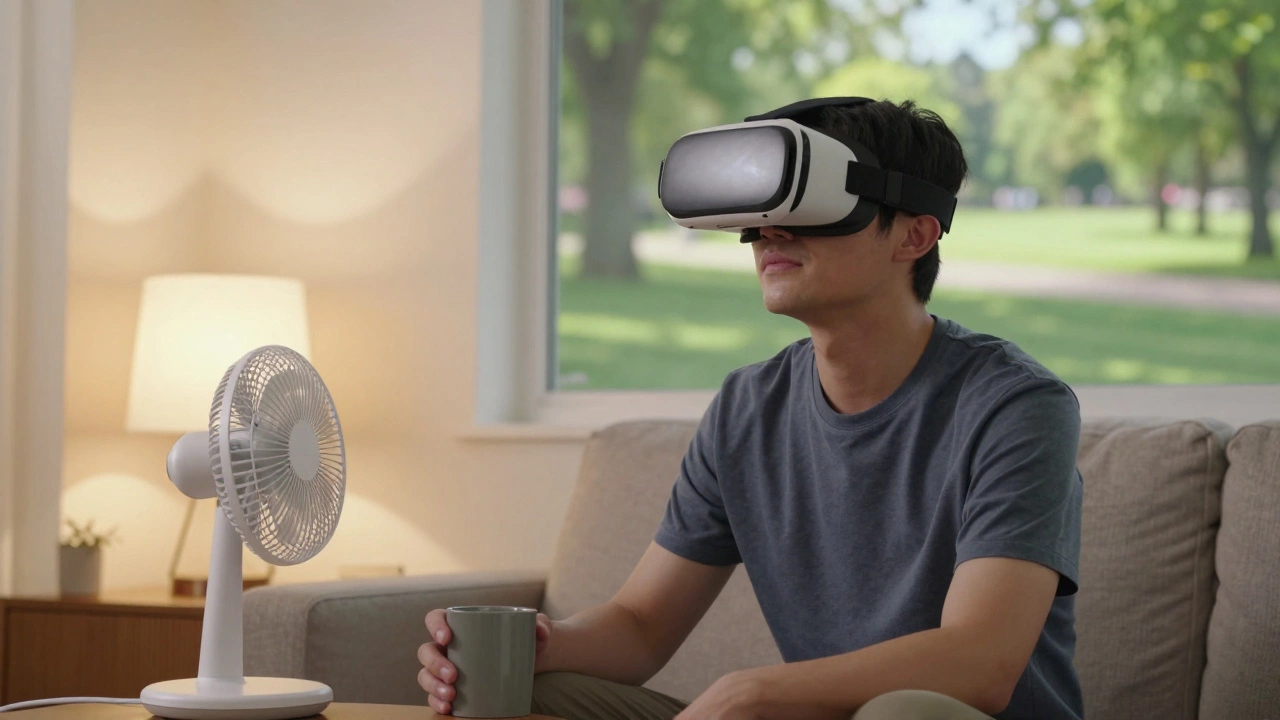
- Use a fan. A small desk fan blowing gently on your face helps. Why? It gives your skin a subtle sense of motion that matches what you see. It’s a trick used by flight simulators and professional VR labs.
- Try VR anti-nausea patches. Over-the-counter motion sickness patches (like Transderm Scop) contain scopolamine. They’re not for everyone-some people feel dry mouth or drowsiness-but for severe cases, they work. Take one 4 hours before playing.
Training Your Brain to Handle VR
Your brain can learn to handle VR better. It’s like building muscle. The more you use it correctly, the less it fights back.Try this daily exercise: spend 5 minutes in a calm VR environment-like a virtual park or floating in space-with no movement. Just look around. Let your brain get used to the sensation without motion. Do this for 3 days straight, and you’ll notice a difference.
Also, avoid switching between VR and real life too fast. After a session, sit quietly for 2-3 minutes before walking around or checking your phone. Give your brain time to recalibrate.
When to Worry
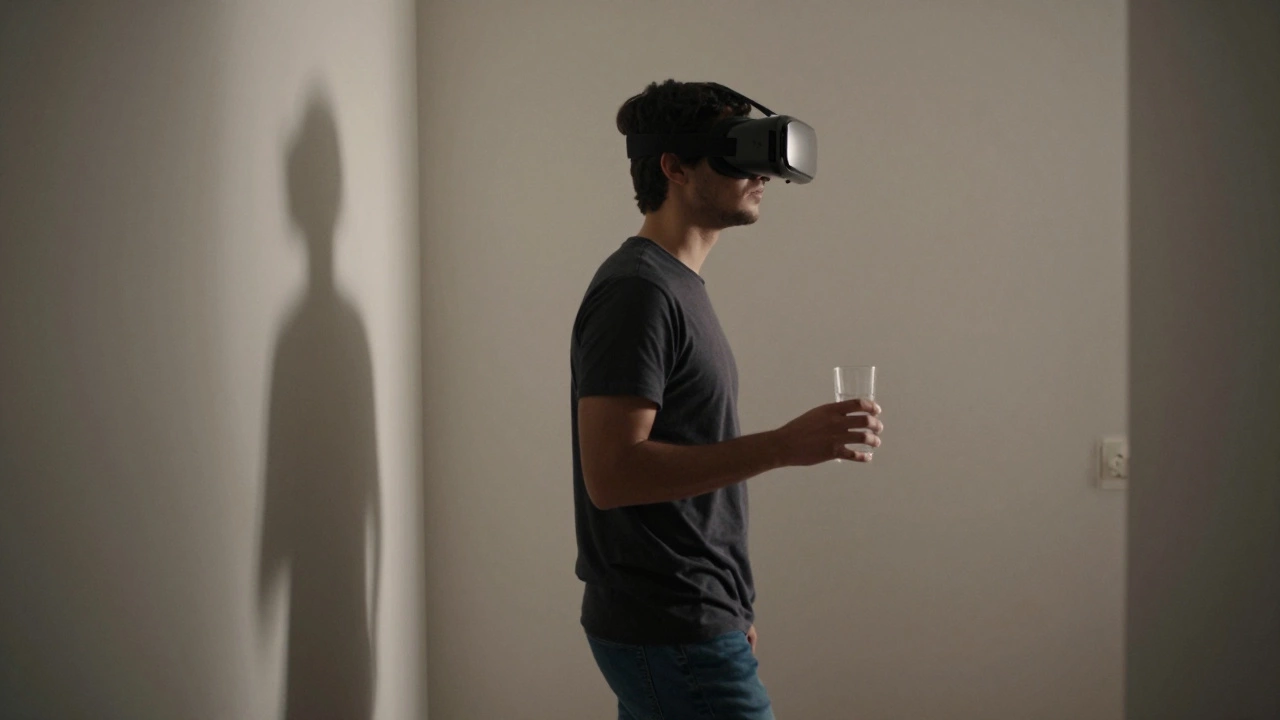
Most VR dizziness goes away within minutes. But if you have any of these, stop using VR and see a doctor:- Dizziness lasts more than 2 hours after removing the headset
- You have ringing in your ears, blurred vision, or nausea that won’t go away
- You feel dizzy even when you’re not using VR
These could signal an inner ear issue, vestibular migraine, or other condition. VR isn’t the cause-it’s just revealing something already there.
What Works for Some Won’t Work for Others
There’s no single fix that works for everyone. Some people never get dizzy. Others feel sick even with the best gear. That’s normal. Your vestibular system is unique.Try the tips above one at a time. Keep a simple log: what headset you used, how long you played, what settings you changed, and how you felt afterward. After 5 sessions, you’ll see patterns. Maybe you’re fine with teleportation but not with smooth movement. Maybe you’re fine after a snack but not after coffee.
VR is powerful. It can transport you to places you’ve never seen. But it shouldn’t leave you feeling wrecked. With small tweaks, you can enjoy it without the spin.
Why do I feel dizzy after VR but not when playing regular games?
Regular games show motion on a flat screen. Your eyes see movement, but your body and inner ear still know you’re sitting still. In VR, your entire field of view moves with you, tricking your brain into thinking you’re physically moving. That mismatch is what causes dizziness. Regular games don’t create that full-body illusion.
Can kids get VR dizziness too?
Yes, and they’re often more sensitive than adults. Most headset manufacturers recommend VR for ages 13 and up. Children’s visual systems are still developing, and their vestibular systems are more easily confused. If kids use VR, keep sessions under 10 minutes, use seated experiences, and always supervise.
Does caffeine make VR dizziness worse?
It can. Caffeine increases heart rate and nervous system sensitivity, which can amplify the mismatch between visual and physical motion. If you’re prone to dizziness, avoid coffee, energy drinks, or soda at least 2 hours before using VR.
Is there a VR game that’s guaranteed to not make me sick?
No game is 100% safe for everyone, but some are much safer. Try "Superhot VR," "Tetris Effect," or "Moss"-they use minimal locomotion, have steady visuals, and focus on slow, controlled movement. Avoid games with fast spinning, rollercoasters, or infinite corridors like "The Climb" until you’re more used to VR.
Can I train myself to never get dizzy in VR?
Many people do. It’s called habituation. By using VR in short, controlled sessions over time, your brain learns to reconcile the conflicting signals. Some users report being completely symptom-free after 10-15 sessions. But not everyone reaches that point-and that’s okay. Adjusting settings and taking breaks is still a valid way to enjoy VR safely.
Next Steps
If you’re just starting out: pick one setting to change today-maybe turn on teleportation or lower the motion speed. Try a 10-minute session. Write down how you felt. Repeat tomorrow. You’ll find your comfort zone faster than you think.VR isn’t supposed to make you sick. It’s supposed to make you feel like you’re somewhere else. With a few smart adjustments, you can get there without the spin.