What Is VR Like for the First Time? A Realistic Guide
 Sep, 14 2026
First-Time VR Readiness & Risk Estimator
Virtual Reality is a powerful sensory shift. While many users adapt quickly, some are more prone to "Simulator Sickness." Use this tool to gauge your risk level and get personalized advice for your inaugural session.
Self-Assessment
Analysis Result
Please complete the assessment to see your personalized recommendations.
Recommended First Steps
You’ve seen the movies. You’ve watched your friends wave their arms around like they’re fighting invisible ghosts. But nothing-absolutely nothing-prepares you for that first moment when the screen goes black, the strap tightens, and suddenly, you aren’t in your living room anymore. Virtual Reality is a simulated experience that can be similar to or completely different from the real world, but describing it feels like trying to explain color to someone who has only ever seen black and white.
If you are thinking about buying a headset or visiting an arcade, you probably have questions. Will I throw up? Does it feel fake? Why does my hand look so weird? This isn’t just tech jargon; it’s a genuine sensory shift. Let’s break down exactly what happens to your brain, your body, and your perception during those crucial first ten minutes.
The Initial Shock: Sensory Overload
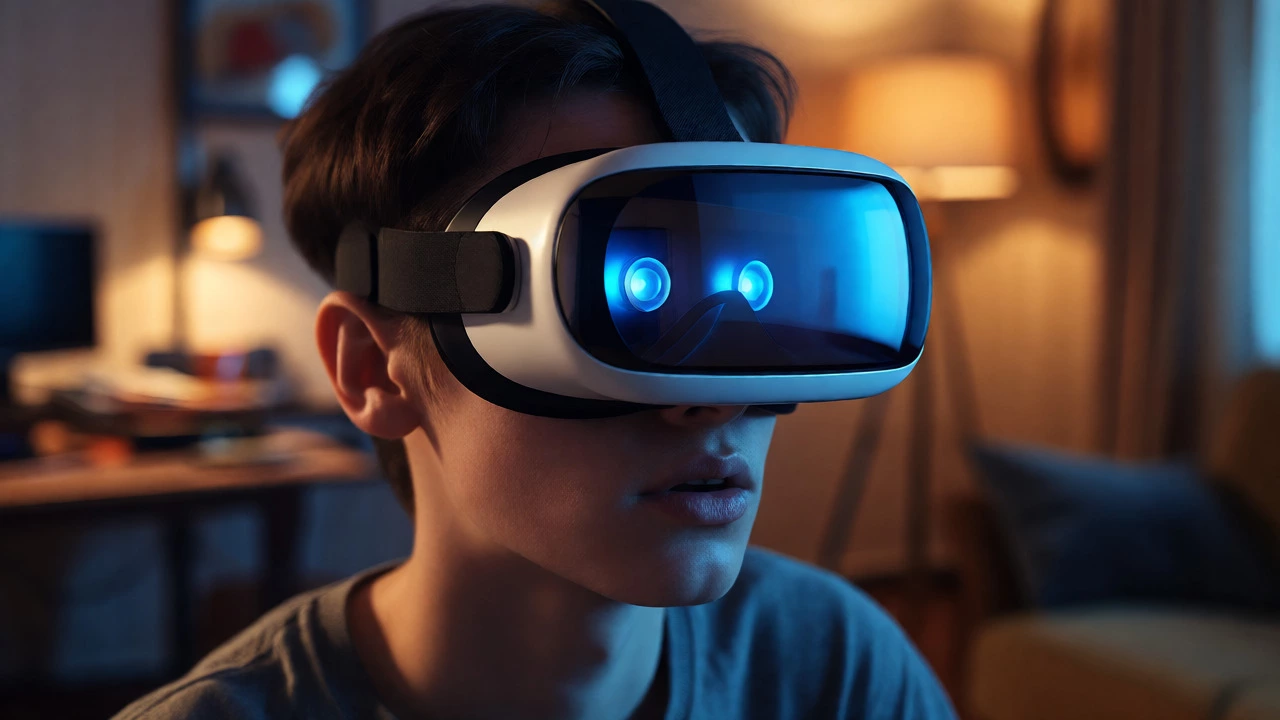
The first thing you notice isn’t the graphics. It’s the weight. Even the lightest headsets, like the Meta Quest 3, press against your face and forehead. Then, the isolation hits. The outside world vanishes. No peripheral vision of your messy desk, no sunlight hitting your eyelids. Just darkness, followed by the startup animation.
This abrupt transition triggers a mild panic response in many new users. Your brain relies on visual cues to understand where you are in space. When those cues disappear, you might feel a brief sense of disorientation. It’s not dangerous, but it is startling. You’ll likely take a step forward before you realize you’re standing still. That disconnect between motor intent and physical feedback is the core challenge of early VR adaptation.
Presence: The Brain’s Trick
Once the environment loads, something magical happens. We call it Presence. Presence is the psychological state where a user accepts the virtual environment as real. It’s not about photorealism. You could be standing in a cartoonish low-poly forest, and if the audio spatializes correctly and your head movements match the view, your brain says, “Okay, this is real.”
In Sydney, we have access to some high-end arcades that use haptic vests. These devices buzz against your chest when a bullet whizzes by or an explosion occurs nearby. This tactile feedback accelerates presence significantly. Without it, you rely solely on sight and sound. With it, your body reacts physically. You flinch. You lean back. You forget the plastic casing on your nose because your nervous system is busy processing threat signals.
| Sensory Input | Brain Interpretation | Physical Reaction |
|---|---|---|
| Visual Flow (Head Turn) | "I am moving through space." | Muscle tension in neck; balance adjustment. |
| Spatial Audio (Footsteps behind) | "Something is approaching." | Turning head to locate source; increased heart rate. |
| Haptic Feedback (Controller Vibration) | "I touched something solid." | Grip strength increase; finger twitching. |
| Lack of Proprioception (No feet visible) | "Where are my legs?" | Confusion; looking down at floor repeatedly. |
The Motion Sickness Factor
Let’s address the elephant in the room: nausea. Not everyone gets sick, but almost everyone feels *something*. This phenomenon is known as Simulator Sickness. It occurs due to a sensory conflict. Your eyes tell your brain you are running downhill. Your inner ear (vestibular system) tells your brain you are sitting on a couch. This mismatch causes the stomach to churn.
New users often underestimate how quickly this sets in. Ten minutes might feel fine. Twenty minutes might result in a headache. Thirty minutes could lead to sweating and pallor. The key is stopping before you feel ill. Once the nausea starts, it rarely goes away during the session. You need to take off the headset, get fresh air, and drink water. Don’t try to push through it. Your brain needs time to recalibrate its expectations of movement.
Interaction Awkwardness
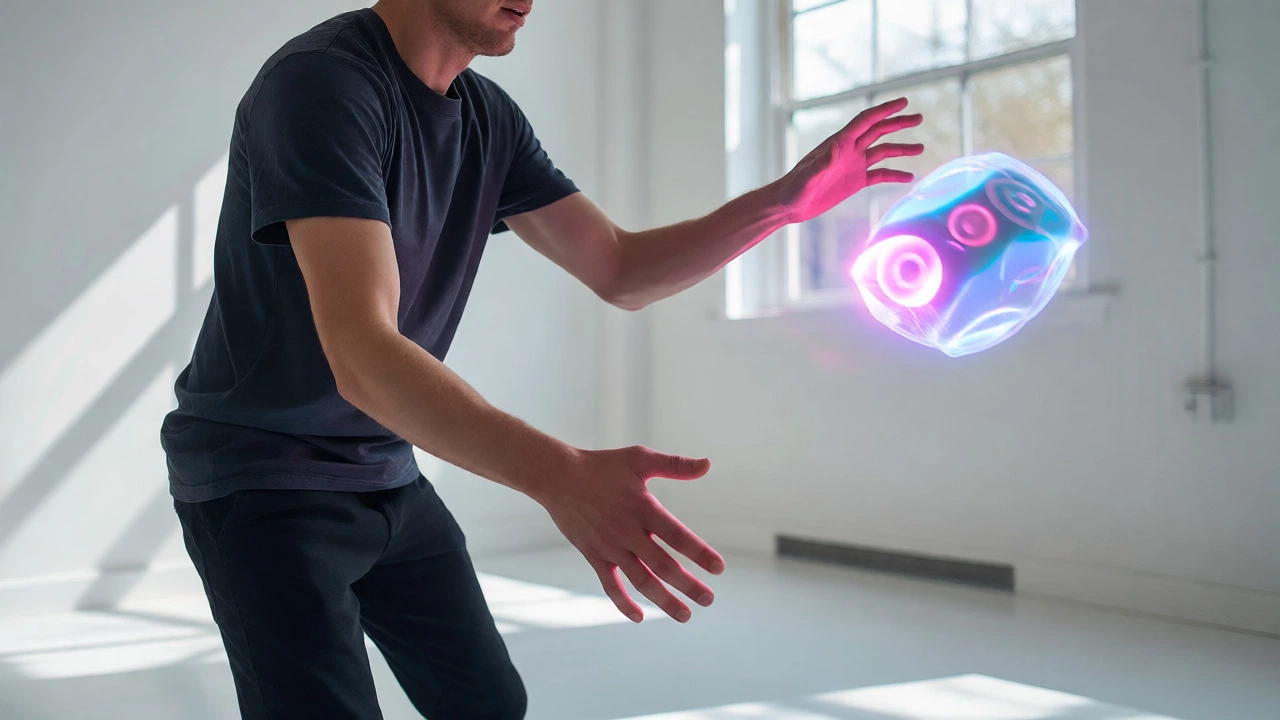
Looking around is easy. Interacting is hard. In the real world, you don’t think about grabbing a cup. You just do it. In VR, you have to consciously map your hand position to a digital avatar. Most first-timers struggle with depth perception. They reach for a virtual object and miss by inches. Or they punch a wall because they couldn’t judge the distance.
Hand tracking technology has improved this immensely. Systems like the Apple Vision Pro or the inside-out cameras on the Quest 3 allow you to pinch and grab without holding controllers. However, there is still a latency gap. If you move your hand fast, the digital hand lags slightly behind. This tiny delay breaks immersion and frustrates users who expect instant feedback.
Emotional Impact and Empathy
Here is the part nobody warns you about: VR makes you care more. Studies suggest that experiencing a refugee camp or walking through a war zone in VR creates stronger emotional connections than reading about it. This is because you are inside the narrative, not observing it.
First-time users often report feeling vulnerable. Standing on a virtual cliff edge triggers genuine fear, even though you know you are safe. Watching a whale swim past you in an underwater simulation can induce awe that brings tears to the eyes. The medium bypasses intellectual analysis and hits the emotional center directly. Be prepared for intense feelings, whether it’s joy, terror, or sadness.
Practical Tips for Your First Session
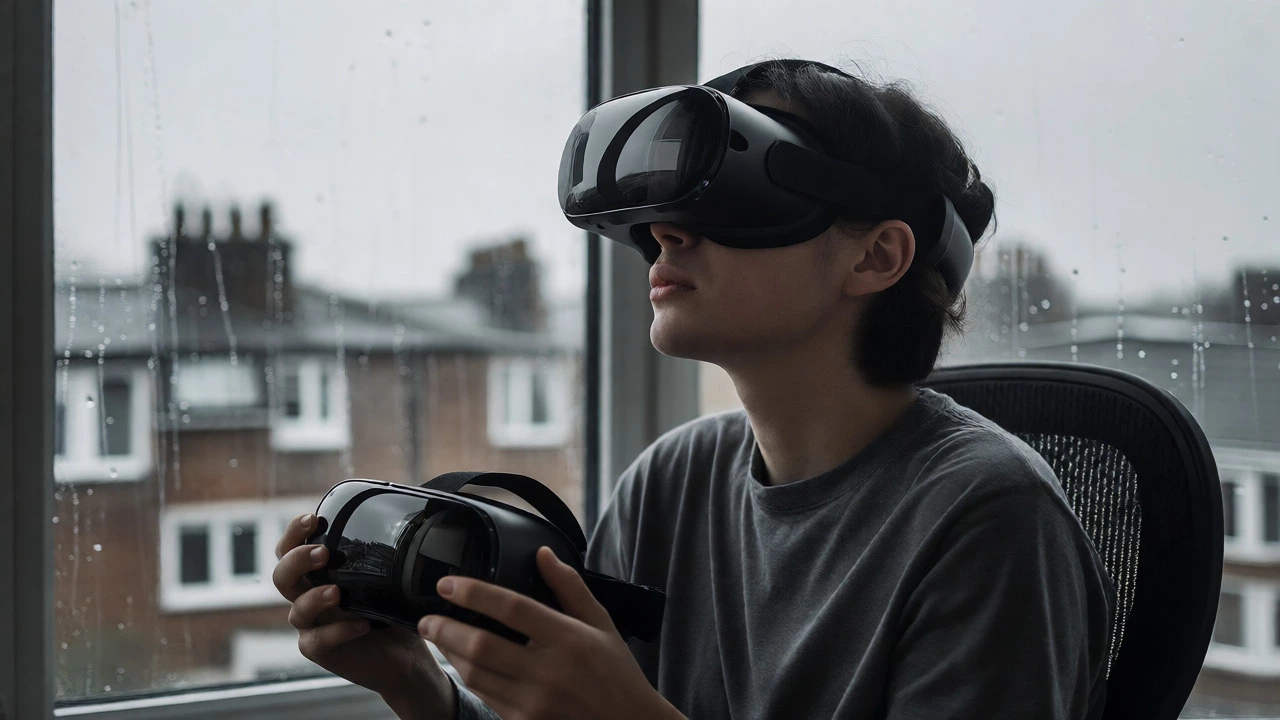
If you are preparing for your inaugural dive into virtual reality experiences, follow these rules to maximize enjoyment and minimize regret:
- Start seated: Use a swivel chair. This prevents accidental collisions with furniture and reduces the risk of falling if you get dizzy.
- Limit duration: Keep your first session under 15 minutes. Short bursts prevent fatigue and nausea.
- Adjust IPD: Interpupillary Distance (IPD) settings must match your eye spacing. Incorrect IPD causes double vision and headaches within minutes.
- Use a guardian: Set up a physical boundary in your play area. Do not rely solely on the virtual grid; trust your physical walls.
- Choose gentle content: Avoid rollercoasters or flight sims initially. Try puzzle games or static exploratory environments like Moss.
The Aftermath: Re-entering Reality
Taking the headset off is surprisingly disorienting. The real world looks flat, dull, and low-resolution compared to the vibrant colors and dynamic lighting of VR. You might feel a sense of loss, similar to waking up from a vivid dream. Some users describe a "VR hangover," where they feel detached from their physical surroundings for an hour or two.
Give yourself time to readjust. Look out a window. Touch a textured surface. Remind your brain that gravity is constant and objects don’t float. This grounding process is essential for a positive overall impression.
Will I definitely get motion sickness?
Not necessarily. Many people adapt quickly. However, those prone to car sickness or migraines are at higher risk. Starting with stationary experiences and gradually increasing movement helps build tolerance over time.
Does VR hurt your eyes?
Current evidence suggests VR does not cause permanent eye damage. However, it can cause temporary eye strain and dryness because users blink less frequently while focusing intently. Using lubricating drops and taking regular breaks mitigates this.
How long does it take to get used to VR?
Most users feel comfortable navigating basic environments after 2-3 sessions. Mastering complex interactions and tolerating high-motion games can take several weeks of regular exposure.
Can kids wear VR headsets?
Manufacturers generally recommend VR for ages 10-13 and up, depending on the device. Younger children may have difficulty adjusting focus and are more susceptible to discomfort. Always supervise usage and limit time strictly.
Why do my hands look different in VR?
Your hands are represented by avatars created by developers. They rarely match your exact anatomy. Additionally, the lack of touch sensation means you see your hand pass through objects until collision detection registers the hit, creating a visual disconnect.