Why Do I Feel Weird After Using VR? Understanding Cyber Sickness
 Oct, 29 2026
VR Comfort Estimator
Use this tool to estimate your likelihood of experiencing cyber sickness (VR motion sickness) by adjusting your headset settings and personal sensitivity levels.
Hardware & Environment
User Profile
Comfort Level
Score: 0/100You put on the headset, dive into a fantasy world, and for twenty minutes, you’re flying or fighting dragons. Then you take it off. Suddenly, your stomach does a flip, your head feels heavy, and the real world looks slightly blurry. You’re not alone. This phenomenon, often called cyber sickness, is a very real physiological response to virtual reality technology. It’s essentially a digital version of motion sickness, triggered when your eyes tell your brain one thing while your inner ear tells it another.
The Brain’s Confusion: Sensory Conflict Theory
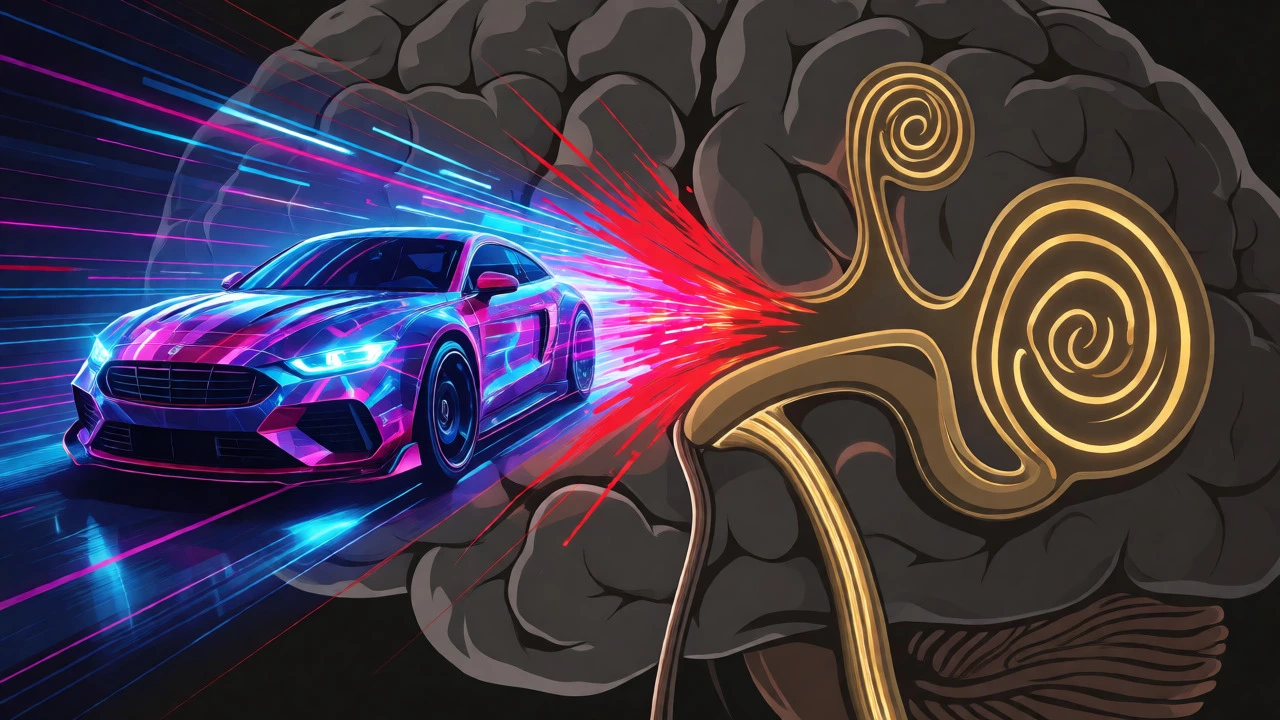
Here’s what happens inside your skull. Your brain relies on three main systems to keep you balanced: your eyes (vision), your inner ear (vestibular system), and your body’s pressure sensors (proprioception). In normal life, these three agree. If you walk forward, your eyes see movement, your inner ear feels acceleration, and your feet feel the ground.
In VR, this harmony breaks down. Imagine you’re playing a racing game. Your eyes see the car speeding around a corner at 100 mph. Your brain expects to feel that force. But because you are standing still in your living room, your inner ear reports zero movement. This mismatch creates a signal error. Evolutionarily, your brain interprets this conflict as a sign of poisoning-because in nature, hallucinations combined with lack of physical sensation often meant you ate something toxic. So, your body triggers nausea to help you "expel" the toxin.
Common Symptoms Beyond Just Nausea
Nausea gets all the attention, but it’s rarely the only symptom. Most users experience a cluster of issues that can linger for hours after the session ends.
- Eye Strain: Focusing on screens just inches from your face for extended periods causes fatigue.
- Disorientation: Feeling like the floor is tilting even after removing the headset.
- Headaches: Often located behind the eyes or at the temples.
- Sweating and Pallor: A cold sweat is a classic pre-nausea warning sign.
- Derealization: The real world feels "fake" or flat for a short time afterward.
Hardware Factors That Worsen the Feeling
Not all VR experiences are created equal. The hardware you use plays a massive role in how "weird" you feel. Older headsets or lower-end devices often struggle with two critical metrics: latency and frame rate.
Latency is the delay between your head movement and the screen updating. If you turn your head quickly and the image lags by even 20 milliseconds, your brain notices the disconnect immediately. High-quality modern headsets aim for sub-20ms latency, which drastically reduces symptoms.
Then there is the Frame Rate. Standard monitors run at 60Hz, but VR requires at least 90Hz to feel smooth. Anything below that causes micro-stuttering that your brain perceives as jittery motion, triggering sickness faster than high-frame-rate content.
| Setting | Low Quality Experience | High Quality Experience | Effect on User |
|---|---|---|---|
| Frame Rate | 60 FPS | 90-120 FPS | Low rates cause stutter; high rates reduce eye strain. |
| Refresh Rate | 60 Hz | 90-120 Hz | Lower refresh rates increase perceived lag. |
| Field of View | Narrow (<100°) | Wide (>110°) | Too narrow feels like binoculars; too wide can disorient beginners. |
| IPD Adjustment | Fixed | Adjustable | Mismatched IPD forces eyes to converge incorrectly, causing headaches. |
Your Personal Threshold: Why Some Get Sick and Others Don’t
You might have friends who play VR for hours without issue, while you feel queasy after ten minutes. This comes down to individual sensitivity. Research suggests that about 40% of people are highly susceptible to simulator sickness, while others adapt quickly.
Factors influencing your threshold include:
- Gender: Studies indicate women may be more prone to VR sickness due to differences in vestibular processing, though this varies widely.
- Age: Younger adults often adapt faster than older demographics, whose balance systems may be less plastic.
- Experience: Like seasickness, repeated exposure helps. Your brain learns to trust the visual input over the vestibular input-a process called sensory reweighting.
How to Reduce the Weirdness
You don’t have to quit VR. You just need to manage the environment and your habits. Here are practical steps to minimize discomfort.
Optimize Your Setup
First, check your Interpupillary Distance (IPD). This is the distance between your pupils. If the lenses aren’t aligned with your eyes, you’ll strain to focus. Most modern headsets allow you to adjust this physically or via software. Also, ensure your headset fits snugly but not tightly. Pressure on the forehead can trigger tension headaches that mimic VR sickness.
Start Small and Build Up
Don’t jump into a rollercoaster simulation on day one. Start with stationary games where you sit or stand still. Try puzzle games or simple exploration titles. Once you can handle 15 minutes of stationary VR, try slow-moving locomotion. Gradually increase intensity. This allows your brain to recalibrate its expectations.
Control Your Environment
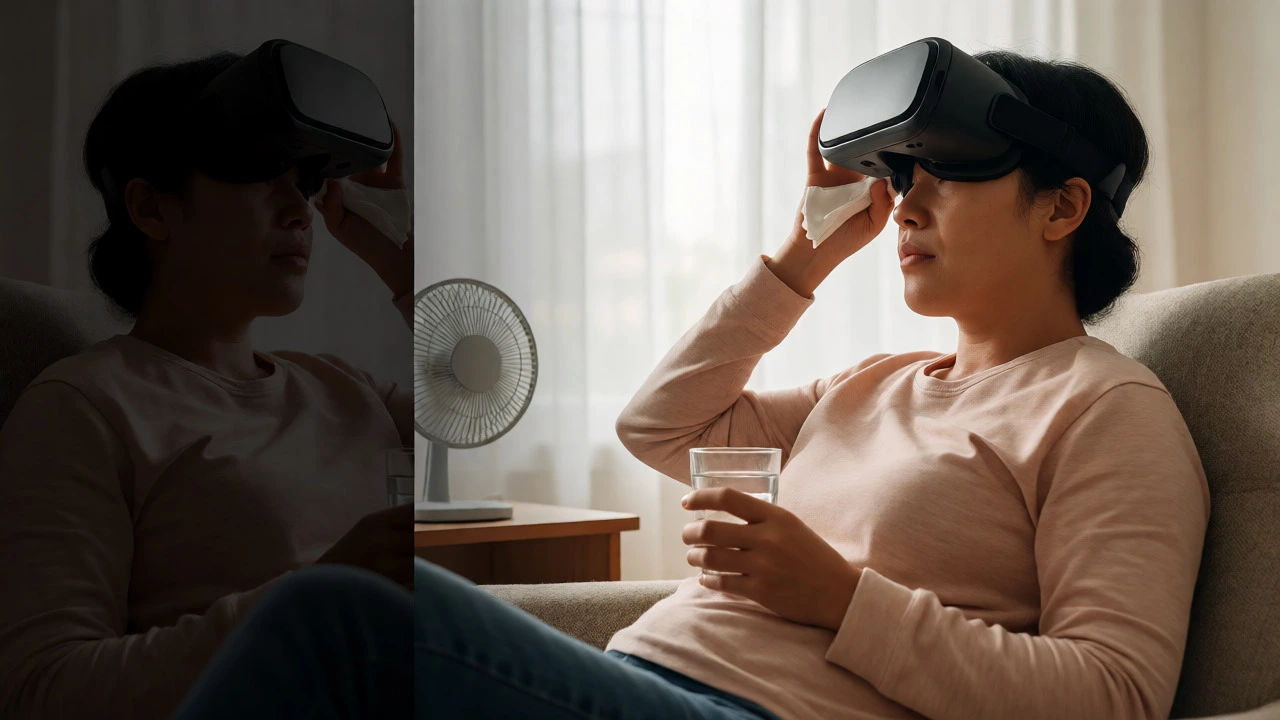
Play in a cool room. Heat exacerbates nausea. Keep a fan blowing gently on your face-many pro VR players swear by this trick. Avoid playing right after eating a heavy meal. Light snacks are fine, but a full stomach makes nausea worse. Stay hydrated, but avoid alcohol before playing, as it dehydrates you and impairs balance.
When to Take a Break
Listen to your body. The moment you feel the first hint of sweating or a slight tilt in your vision, stop. Pushing through usually results in prolonged recovery time. Remove the headset, look out a window at a distant object, and let your vestibular system reset. Walking around a familiar space helps ground you back in reality.
The Future Is Smoother
Technology is improving rapidly. Newer headsets feature higher resolutions, better tracking, and features like foveated rendering, which sharpens only the part of the screen you’re looking at, reducing processing load and maintaining stable frame rates. As hardware advances, the gap between visual and physical sensation narrows, making that "weird" feeling less common for most users.
How long does VR sickness last?
For most people, symptoms subside within 15 to 30 minutes after removing the headset. However, if you pushed yourself too hard, mild disorientation or headaches can persist for several hours. Hydration and rest speed up recovery.
Can I train myself to not get sick in VR?
Yes, absolutely. This process is known as acclimatization. By gradually increasing exposure time and intensity, your brain learns to resolve the sensory conflict. Many users go from getting sick in 5 minutes to playing comfortably for an hour within a few weeks of regular practice.
Is VR bad for my eyes?
Current evidence suggests VR does not permanently damage adult eyes. However, it can cause temporary eye strain and dryness because you blink less frequently while focused on the screen. Following the 20-20-20 rule (every 20 minutes, look at something 20 feet away for 20 seconds) helps mitigate this.
Why do I feel dizzy even when sitting still in VR?
This is likely due to visual flow. Even if your body is stationary, your eyes perceive motion. If the game uses artificial locomotion (like teleporting or sliding) rather than natural walking, the disconnect between expected physical feedback and visual input triggers dizziness. Games with snap-turning options often reduce this effect compared to smooth turning.
Does wearing glasses affect VR comfort?
Wearing glasses can introduce additional variables. If the glasses press against the foam padding, they can alter the lens alignment relative to your eyes. Some headsets offer diopter adjustments or support prescription inserts, which eliminate the need for glasses and often improve comfort and clarity, thereby reducing strain.